
Getting Started
Install TieBase and learn the basics
2 min read
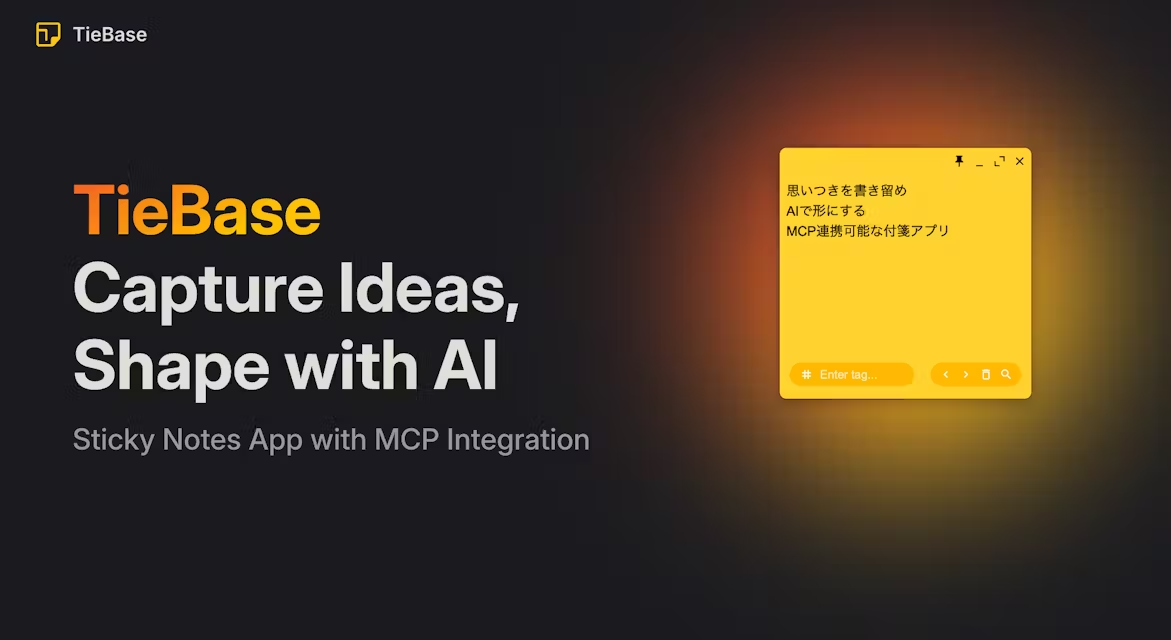
Welcome to TieBase! This guide covers installation and the core workflow: capture quickly, then organize later.
What is TieBase?
TieBase is a modern sticky notes application with:
- Digital sticky notes
- Tag-based organization
- Japanese-friendly search (morphological analysis)
- MCP integration so AI tools can read/search your notes
Install
Download
Download the latest installer from the Download page.
macOS (DMG)
- Double-click the downloaded
.dmgfile - Drag
TieBase.appinto theApplicationsfolder - Launch TieBase from Launchpad or Applications
First launch on macOS
macOS may show a security warning on first launch. If that happens:
- Open System Settings → Privacy & Security
- Click Open Anyway
- Or right‑click
TieBase.app→ Open
Basic usage
Create a sticky note
- Click anywhere in the workspace
- Enter text
- Notes are saved automatically
Add tags
- Select a sticky note
- Enter a tag name in
Enter tag... - Press Enter to add
Search
- Click the magnifying glass icon (bottom-right)
- Or press
Command + Fto open search - Filter by keyword and/or tag
- Japanese text is analyzed for better results